See what ate
your disk space
Your C: drive lost 40 GB this month and no analyzer can tell you why — because they all answer the wrong question.
Built around one question nobody else answers
“What changed?” — everything below exists to answer it well.
Time travel through your disk
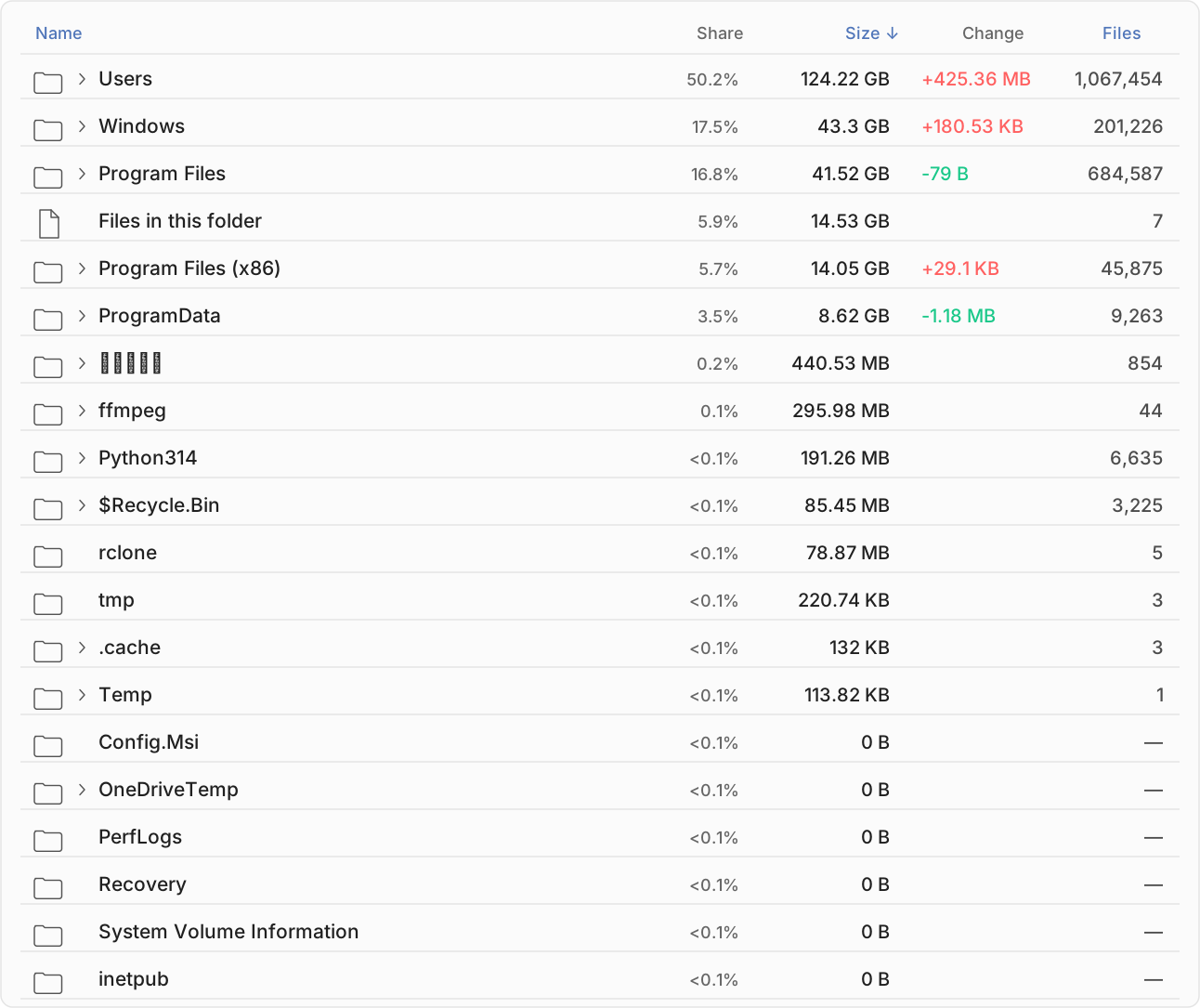
Pick any two moments — yesterday and today, or today and six weeks ago — and get a complete list of what grew, shrank, appeared and vanished in between.
Delta treemap
A treemap where tile size is the size of the change, not the folder. The thing that ate your disk is the biggest red block on screen. No hunting.
Plain-English attribution
Changes are grouped into categories you recognise — Docker & WSL, Windows Update, Browser data, Games, Developer caches, Temp files — not raw paths you have to decode.
Runs quietly, forever
Snapshots happen in the background at low I/O priority, skipping battery-saver and full-screen sessions. Idle CPU stays under 0.1% — a disk tool must never become the disk problem.
Growth alerts Premium
Get notified when a folder grows abnormally fast, or when your free space is trending toward zero — before you're staring at a full drive.
Export anything Premium
Any comparison or timeline exports to CSV or JSON, so you can chart it, share it with IT, or attach it to a ticket.
Free does the job. Premium goes deeper.
One-time purchase — no subscription. Buy through the Microsoft Store, or by card if you prefer.
- ✓3 days of history
- ✓Scan whenever you want, in one click
- ✓Your system drive (the one Windows runs from)
- ✓Browse 3 folder levels deep
- ✓Compare any two snapshots
- ✓Delta treemap & top movers
- —Automatic background snapshots
- —Your other drives
- —Growth alerts
- —CSV / JSON export
- ✓Everything in Free
- ✓Automatic snapshots — hourly to daily, and at every Windows start
- ✓Every drive on the machine
- ✓The whole folder tree, however deep
- ✓60 days of history
- ✓Growth alerts & free-space forecast
- ✓CSV / JSON export
- ✓Custom scan schedule
- ✓Unlimited live-watched folders
- ✓Snapshot notes (“installed Docker here”)
- ✓Store: follows your Microsoft account to every PC you own, and restores itself on reinstall
- ✓Store: no licence server involved — the app never phones home
- ✓Card: activate with your email and a one-time code; covers one PC at a time, and you can move it whenever you like
- ✓Card: the app checks your licence with us about once a day, and keeps working for 30 days offline
- ✓Either way: we never see or store your card details
Upgrading reveals history DiskSpace already recorded — your timeline gets deeper the moment you buy.